

In today’s competitive business environment, a presentation needs to do more than display information. It must capture attention, communicate ideas clearly, and help decision-makers understand the value of a business. Professional Powerpoint Design combines compelling visuals with motion graphics to transform ordinary slides into engaging visual experiences through purposeful movement, animated charts, and smooth transitions. When used correctly, these elements make presentations more dynamic, memorable, and professional.
For businesses looking to create visually compelling presentations, Buzeal offers professional presentation design services that help transform complex business information into clear, engaging visual stories. Combining thoughtful design with effective motion graphics can help companies communicate their ideas more confidently to clients, investors, employees, and other stakeholders.
1. What Are Motion Graphics in PowerPoint Presentations?
Motion graphics are animated visual elements that communicate information through movement. In PowerPoint, these can include animated icons, moving diagrams, dynamic charts, process illustrations, and transitions between related concepts.
Unlike decorative animation, effective motion graphics serve a specific communication purpose. They guide the audience’s attention, explain relationships between ideas, and reveal information in a logical sequence.
For example, a company presenting its annual performance could use animated charts to introduce revenue growth, highlight key figures, and compare business performance across different periods.
Motion graphics are particularly useful for:
- Corporate strategy presentations.
- Investor and business pitch presentation decks.
- Product demonstrations and service explanations.
- Employee training and onboarding.
- Company introduction and sales presentations.
The objective is to make information easier to understand while maintaining a clean, professional appearance.
2. Five Ways Motion Graphics Improve Business Presentations
A. Capture Attention and Maintain Audience Interest
Static slides filled with text can make it difficult for audiences to identify important information. Carefully planned animation introduces visual variety and directs attention toward the most relevant points.
For example, a product presentation can reveal three key benefits one at a time instead of displaying everything simultaneously. This allows the presenter to explain each benefit before moving to the next.
However, animation should support the message rather than distract from it. Simple movements, consistent transitions, and purposeful visual effects are generally more suitable for professional presentations than excessive movement.
B. Simplify Complex Business Information
Business owners frequently need to explain financial performance, operational processes, market opportunities, and growth strategies.
Motion graphics can break these subjects into smaller, more understandable visual steps.
Consider a presentation explaining a company’s sales process. Instead of displaying a complicated diagram immediately, the presenter can reveal each stage sequentially, showing how a lead progresses from initial contact to conversion.
This approach works well for:
- Business process diagrams.
- Financial reports and performance dashboards.
- Organizational structures.
- Customer journey illustrations.
- Product development timelines.
Animated charts can also highlight trends and comparisons, helping audiences focus on the business insight behind the numbers rather than struggling to interpret a crowded slide.

Read More : Why Businesses Need Professional PowerPoint Presentation Design Services
C. Strengthen Brand Identity and Professionalism
A consistent visual identity helps businesses present themselves professionally. Motion graphics can reinforce this identity through coordinated colours, typography, icons, and animation styles.
For instance, a technology company might use clean transitions and animated diagrams to communicate innovation. A financial services company may benefit from restrained animations that emphasize stability, accuracy, and trust.
Using well-designed Corporate PowerPoint templates provides a consistent foundation for layouts, typography, and brand colours. Motion graphics can then be incorporated into these layouts without making the presentation feel visually inconsistent.
Businesses should establish a clear animation style and apply it throughout the deck. This creates a unified experience across company profiles, sales proposals, and internal presentations.
D. Make Company Stories More Memorable
A strong presentation communicates more than facts; it explains what those facts mean.
Motion graphics help create a visual narrative by showing change, progress, and relationships between different elements.
For example, a company overview slide can introduce a business’s history through an animated timeline. Key milestones can appear in chronological order, helping the audience follow the company’s development.
Similarly, a business pitch presentation can use animated market charts, product demonstrations, and growth projections to explain an opportunity.
These techniques are especially valuable when presenting to investors or prospective clients because they help organize the story around the company’s objectives, achievements, and future plans.
E. Improve Data Visualization and Decision-Making
Business owners often rely on presentations to communicate information that influences important decisions.
Motion graphics can make data easier to explore by revealing one metric or comparison at a time. Animated bar charts, progress indicators, and process diagrams can draw attention to important changes without overwhelming the audience.
For example, a quarterly performance presentation might introduce revenue, operating costs, and customer acquisition figures separately. The presenter can explain each metric before connecting the results to the company’s broader objectives.
Nevertheless, animation should never replace accurate data, clear labels, or meaningful comparisons. The figures must remain understandable throughout the presentation.
3. Best Practices for Using Motion Graphics Professionally
Motion graphics work best when they are integrated into a clear presentation strategy.
Choose Animation That Supports the Message
Select effects based on the information being communicated.
- Use subtle entrance animations to introduce key points.
- Use animated diagrams to explain processes.
- Use chart animations to highlight meaningful comparisons.
- Use transitions to connect related sections.
Avoid adding effects simply because they are available.
Maintain Consistency Across Slides
Use a limited set of animation styles, consistent timing, and predictable transitions. This creates a cohesive presentation and prevents individual slides from feeling disconnected.
Business PowerPoint templates can help maintain consistent layouts and visual standards, particularly when multiple employees create presentations for the same company.
Keep Text Readable
Motion should not make content difficult to follow. Use readable fonts, sufficient contrast, clear headings, and appropriate spacing.
For business presentation slides, prioritize one main message per slide wherever practical. Reveal supporting information in a sequence that matches the presenter’s explanation.
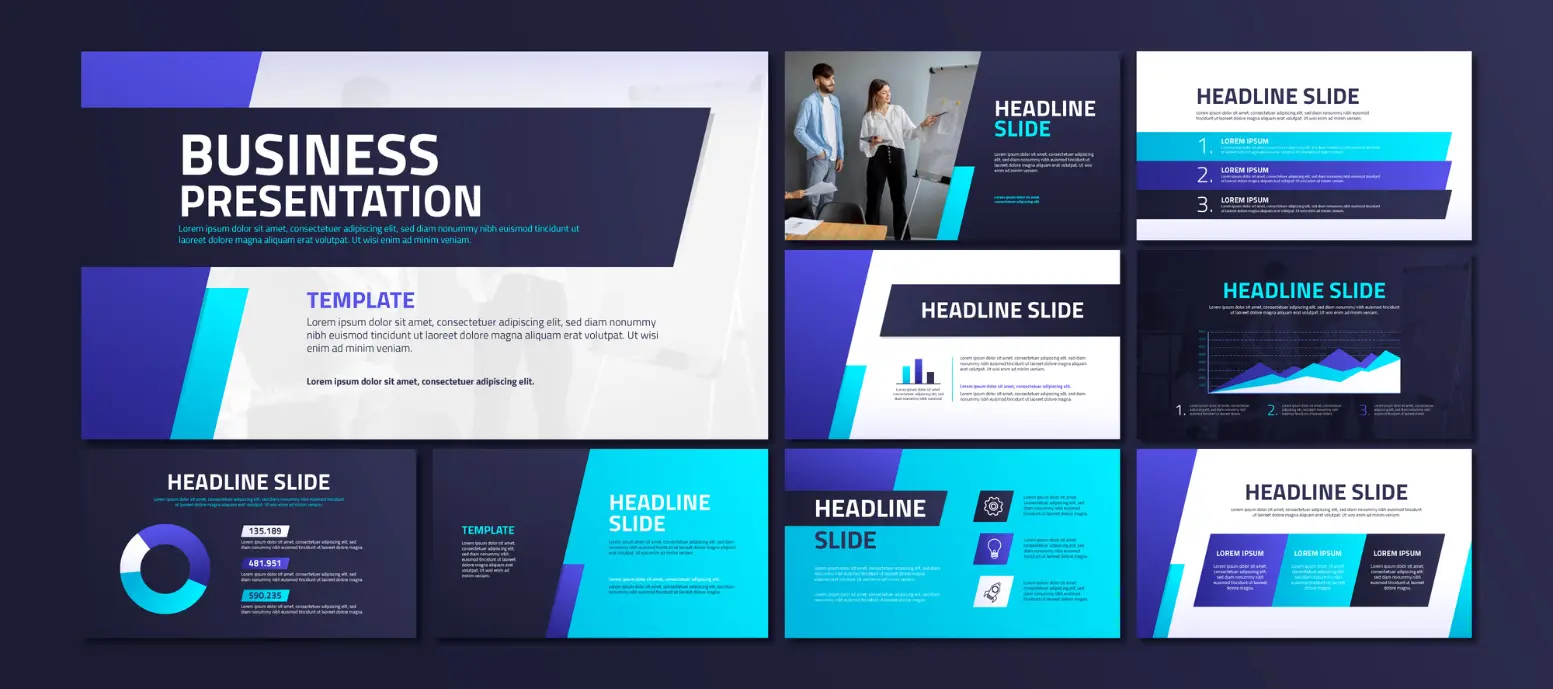
Consider Accessibility and Technical Performance
Not every audience member processes movement in the same way, and complex effects can affect playback on some devices.
Microsoft recommends reducing complex animations and unnecessary transitions when presentations experience performance problems. Accessibility guidance also recommends keeping animations simple and ensuring important information remains available without relying exclusively on visual effects.
Before presenting, test the slides on the equipment you intend to use. Provide captions or alternative explanations for meaningful video content, and make sure essential information remains understandable without animation.
4. How Businesses Can Apply Motion Graphics to Different Presentation Types
Every business presentation needs the right visual approach to communicate effectively. Animated milestones enhance company profiles, product demonstrations strengthen sales presentations, and animated charts simplify investor pitches and performance reports. Choosing suitable motion graphics helps businesses present information clearly, engage audiences, and achieve their presentation goals.
Key Points
- Motion graphics make business presentations more engaging when used with a clear purpose.
- Animated diagrams help explain complex processes and relationships.
- Consistent animation strengthens brand identity and visual professionalism.
- Company overview slides become more engaging with timelines and milestone animations.
- Business pitch presentation decks can benefit from animated charts and product demonstrations.
- Corporate PowerPoint templates provide a consistent design foundation.
- Simple, accessible animations are preferable to distracting visual effects.
- Every animation should improve understanding rather than simply decorate a slide.
Conclusion
Motion graphics can significantly improve the way businesses communicate ideas through PowerPoint. From simplifying complex data to presenting company milestones and highlighting product benefits, purposeful animation makes information easier to follow and supports a more professional presentation experience.
However, effective results depend on combining animation with clear messaging, consistent design, accessible layouts, and accurate information. Businesses that invest in thoughtful presentation design can communicate their value more effectively and create stronger impressions during important meetings.
If your business needs a presentation that combines compelling storytelling with professional visual design, explore Buzeal to discover how a well-designed presentation can support your communication goals.

FAQs
1. What are motion graphics in PowerPoint?
Motion graphics are animated visual elements, such as charts, icons, diagrams, and timelines, that help explain information and guide audience attention during a presentation.
2. How do motion graphics improve business presentations?
They help communicate complex information, highlight important points, maintain audience interest, and present business stories in a more structured visual format.
3. Are motion graphics suitable for corporate presentations?
Yes. Subtle, consistent animations are suitable for corporate presentations when they support the message, follow brand guidelines, and avoid distracting the audience.
4. Can motion graphics be used with Corporate PowerPoint templates?
Yes. Motion graphics can be integrated into Corporate PowerPoint templates to create consistent, branded presentations with animated charts, diagrams, timelines, and transitions.
5. What should businesses avoid when adding motion graphics to PowerPoint?
Businesses should avoid excessive animations, distracting transitions, unreadable text, unnecessary movement, and effects that slow down playback or obscure important information.
Share your thoughts
Want to make your next business presentation more engaging and professional?
Which motion graphics would be most useful for your business: animated charts, product demonstrations, or interactive-looking process diagrams? Share your thoughts in the comments!